Can AI Improve Low-Quality Video? Real 180p and 360p Before-and-After Tests
Watch three matched animation excerpts, inspect fur and grass up close, and see what AI enhancement can change—and what these tests cannot prove.
AI can make low-quality video look cleaner and more defined, but that does not mean recovering exactly what was in the scene. To show the difference, we took three excerpts from Big Buck Bunny, created 180p and 360p versions, and processed them with ReCaVSR. You can compare the actual files below, including the HD reference that the model never received.
The useful question before paying is whether the change helps your own footage. A sharper image can contain invented textures; a subtle improvement may preserve more of the look you want. Check motion and the areas that matter, as well as your first impression.
Watch the before-and-after videos
Each 30-second video contains the same three excerpts. Left to right: A = enlarged input, B = ReCaVSR output, C = HD reference. Use fullscreen for a closer comparison.
Laboratory results from October 11, 2026. These test outputs are 1920 × 1080; this does not guarantee those dimensions or identical results in the current service.
Silent. Each panel is resized to 640 × 360 for this comparison; the web video is re-encoded. The crops below offer a larger view of the details.
Silent. Each panel is resized to 640 × 360 for this comparison; the web video is re-encoded. The crops below offer a larger view of the details.
Look closely at fur, eyes and grass
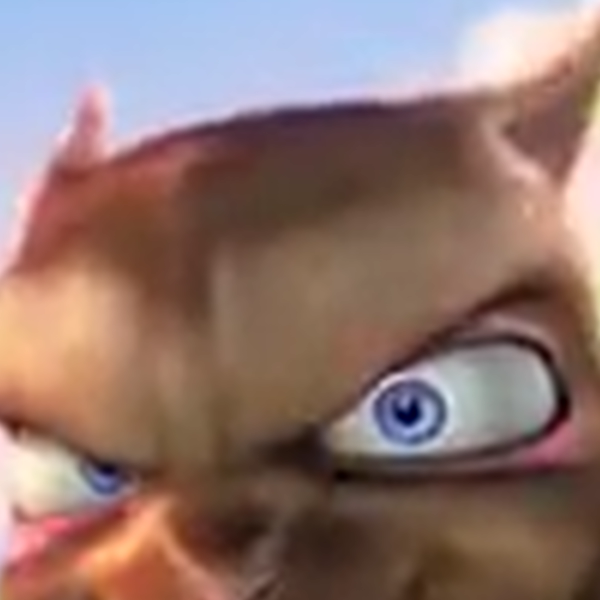
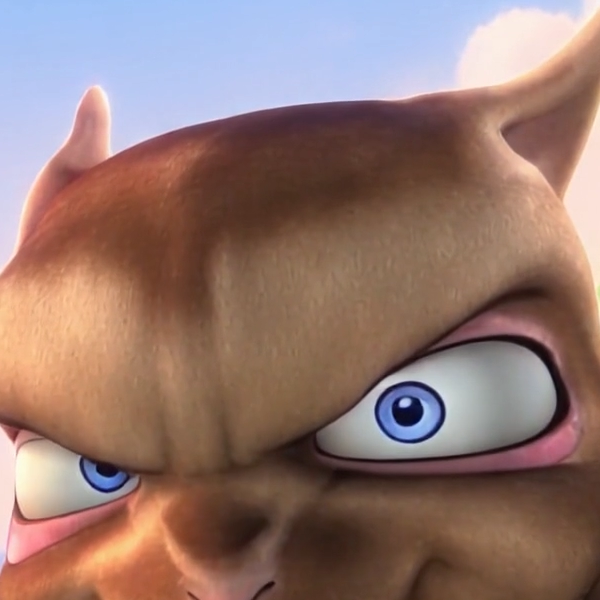
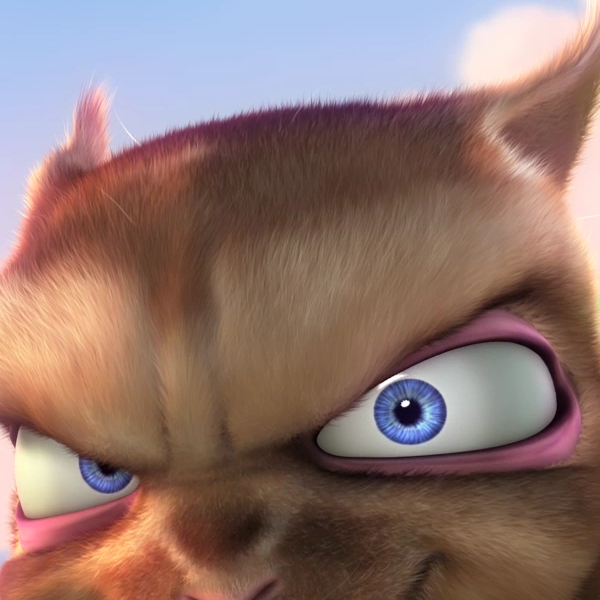
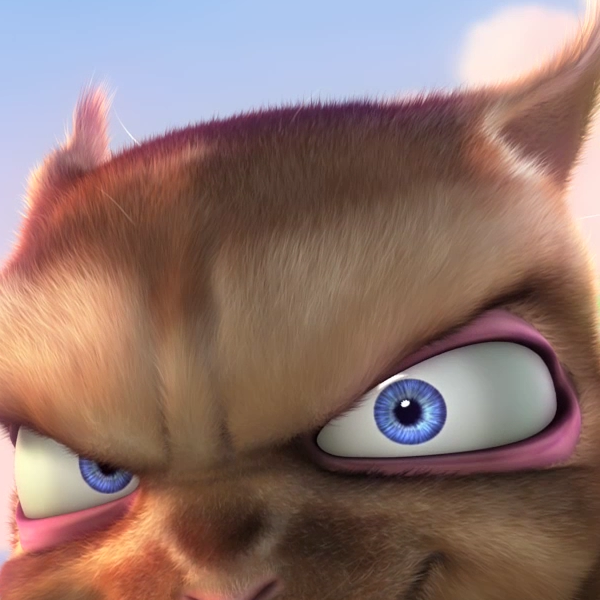
These crops are from frame 360, at 15 seconds in the test sequence (3:37 in the film). Input, output and reference use the same crop coordinates. Open an image to inspect it at its full size.
180p — Fur and eyes
180p — Grass
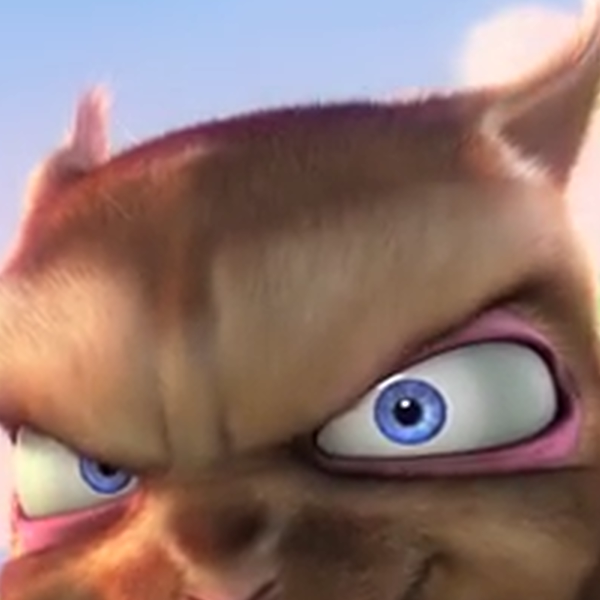
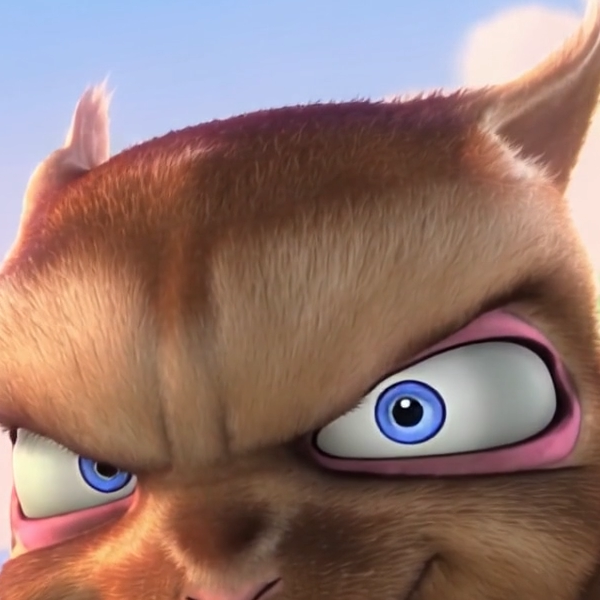
360p — Fur and eyes
360p — Grass
What we observed: in the 180p crop, the eye outline becomes more defined, but the iris is also simplified compared with the HD reference. The fur has a different texture. That is a visible change in appearance, not an exact reproduction of the lost detail.
For grass, compare the shape and position of the blades, not just how many sharp lines you can see. Added detail can look convincing without matching the original. These observations apply to this frame; they are not a quality score for every video.
A still frame does not tell the whole story
Play all three excerpts, not just the opening shot. Watch whether edges hold together in motion, textures change between frames, or the background becomes more distracting after processing. Pausing helps inspect a detail, but it cannot establish temporal stability.
The animation already contains intentional blur and depth of field. Not every soft background needs fixing. These tests do not measure recovery from a defocused camera, real faces, readable text or license plates.
How we ran the test
| Condition | 180p | 360p |
|---|---|---|
| Input | 320 × 180 | 640 × 360 |
| Downsampling | Bicubic | Bicubic |
| Compression | H.264 CRF 32 | H.264 CRF 25 |
| Duration / FPS | 30 s / 24 fps | 30 s / 24 fps |
| Experiment output | 1920 × 1080 | 1920 × 1080 |
| Model / seed | ReCaVSR / 42 | ReCaVSR / 42 |
We used film intervals 1:58–2:08, 3:32–3:42 and 7:10–7:20, joined in that order. The model received only the degraded file. Outputs were generated on October 11, 2026 with the standalone ReCaVSR tool on an 80 GB A100 GPU.
We changed two variables: resolution and compression. We cannot attribute every difference to 180p versus 360p. These are two degradation conditions, not a study that isolates resolution.
For web presentation, we enlarged the input with Lanczos, resized all three panels equally and re-encoded the comparison videos. Crops were saved as lossless WebP from the already compressed video files. No extra sharpening filter was applied to the samples.
When is enhancement worth trying?
Try a short excerpt when you have the best available copy and want to see whether its edges or textures look better when enlarged. Compare at your normal viewing size. If the result looks artificial, changes a face or removes an important detail, keep the original.
AI cannot guarantee missing information. For decisions involving identities, text or evidence, a plausible reconstruction is not enough. This animation also cannot establish what will happen to a family video or a night-time recording.
A free sample lets you check your own case before spending credits. The sample lasts 1 second and does not guarantee the rest of the video; pay particular attention to motion and scene changes.
Source and attribution
Big Buck Bunny — (c) copyright 2008, Blender Foundation / www.bigbuckbunny.org. CC BY 3.0. Project license information.
ClearFrame excerpted, downsampled, compressed, enhanced, resized and labeled the footage for this comparison. These are publicly licensed clips, not customer videos. The Blender Foundation does not sponsor or endorse this test.